Indie Support Chat | Astro Retailers
COMING SOON!
Meet Indie Chat
Inside the Command Center, you’ll meet Indie — our Meow-It-All shop cat.
Indie Chat (yes… Chat is French for Cat 😸) is built for those moments when:
- You need an answer fast
- You don’t have time to search for an article
- You have a quick question that feels too small to email Support
- You just want to sanity-check something and move on with your day
Indie can instantly search our Knowledge Base and surface answers and supporting articles.
Indie is not here to replace our Support Team — not even close.
Indie is a shop cat. They know a lot… but they don’t know everything.
From Indie Chat you can always:
- View the articles Indie used
- Or quickly connect with our team if you need deeper help
How to Use Indie Chat
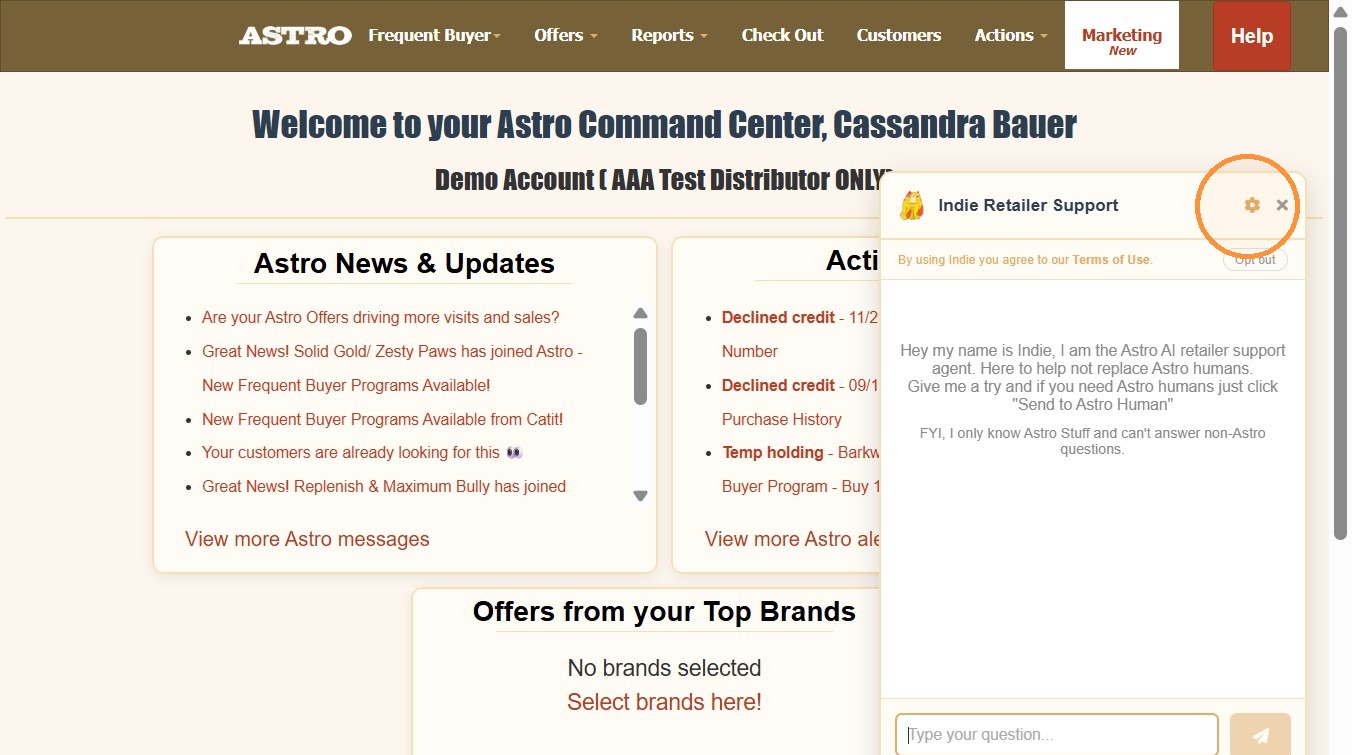
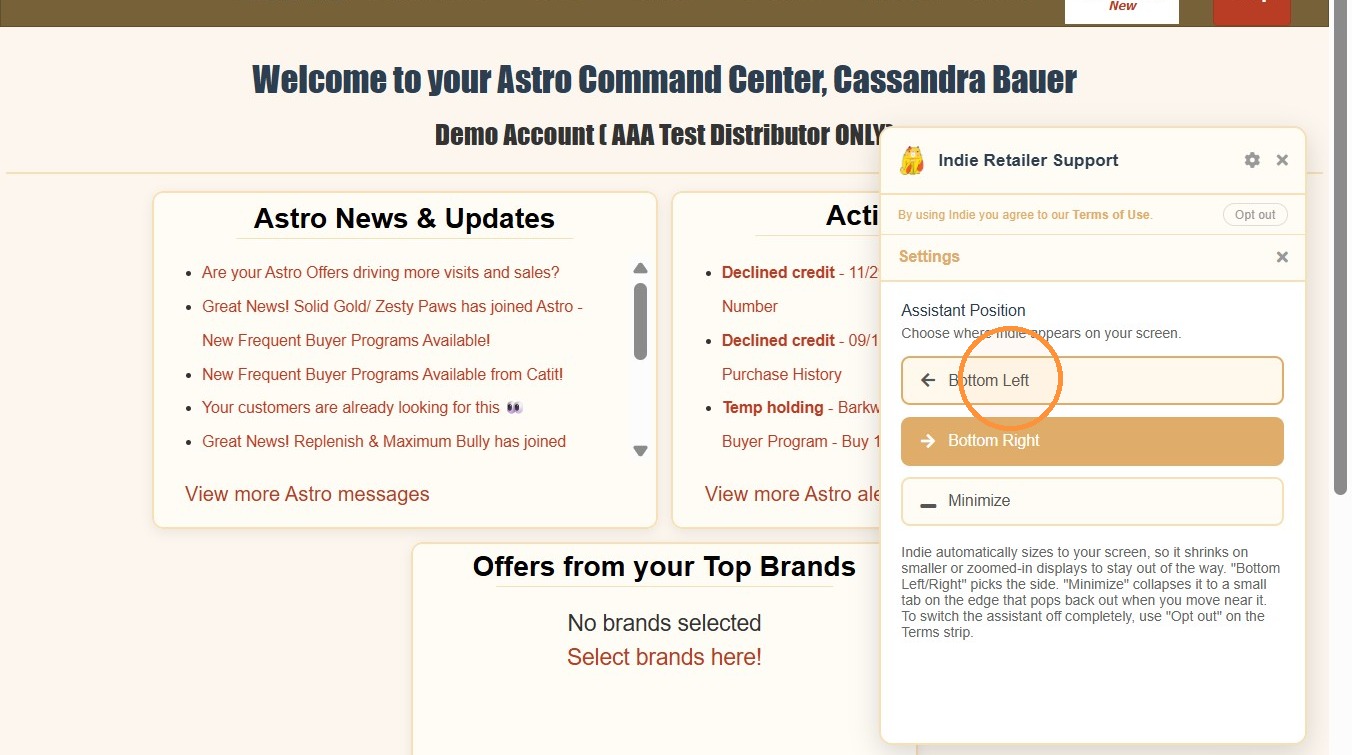
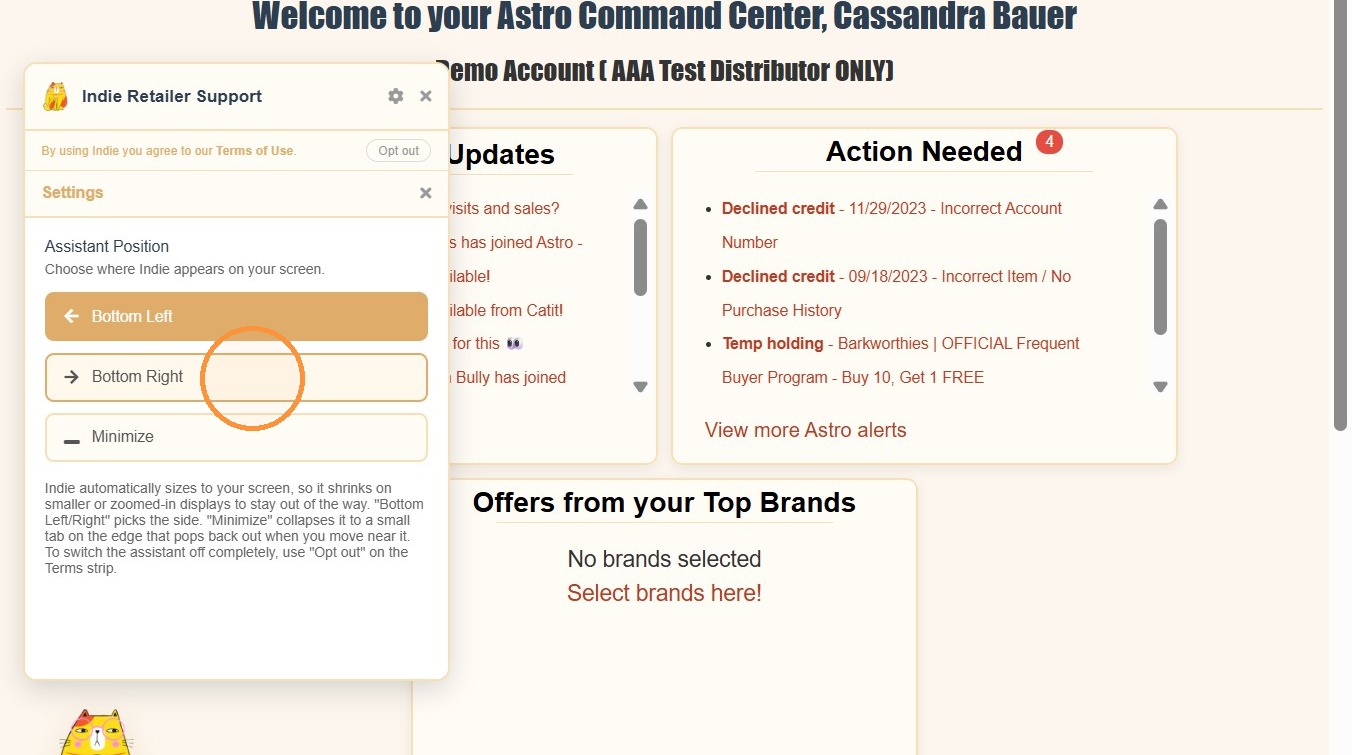
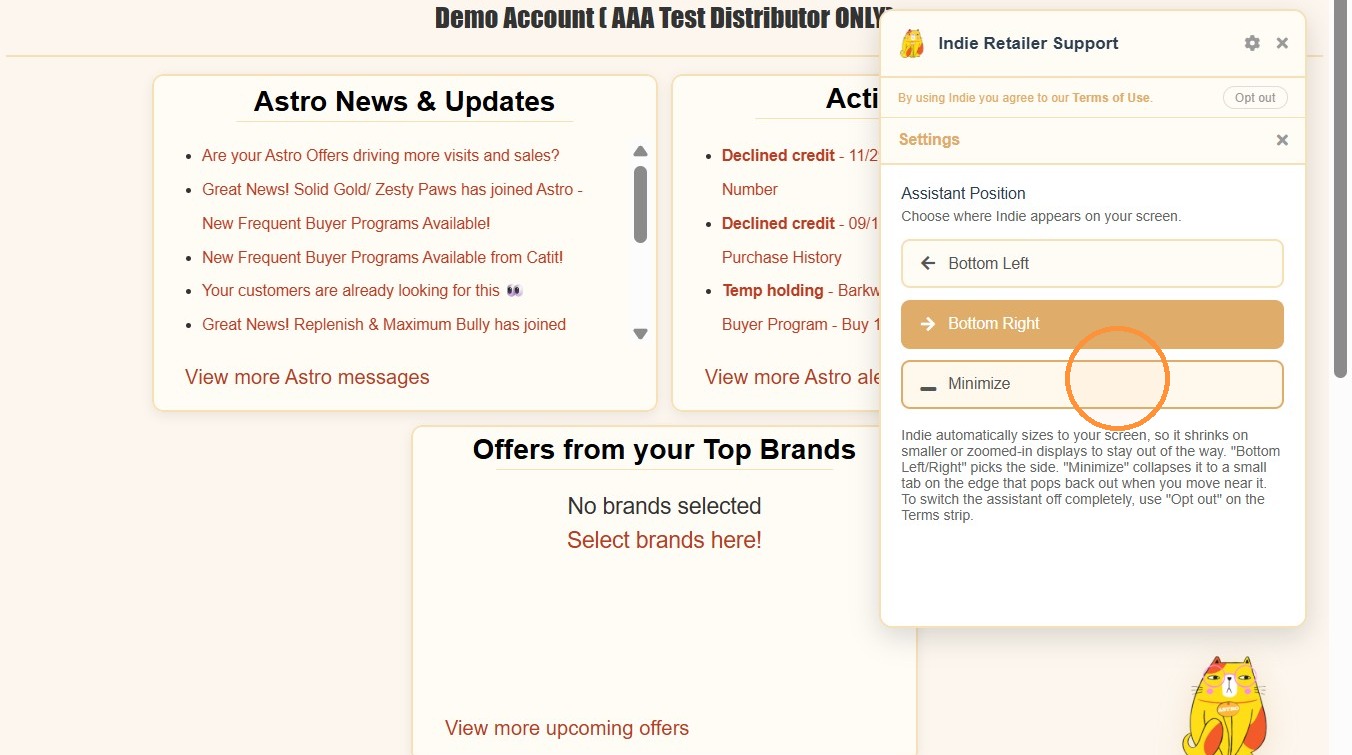
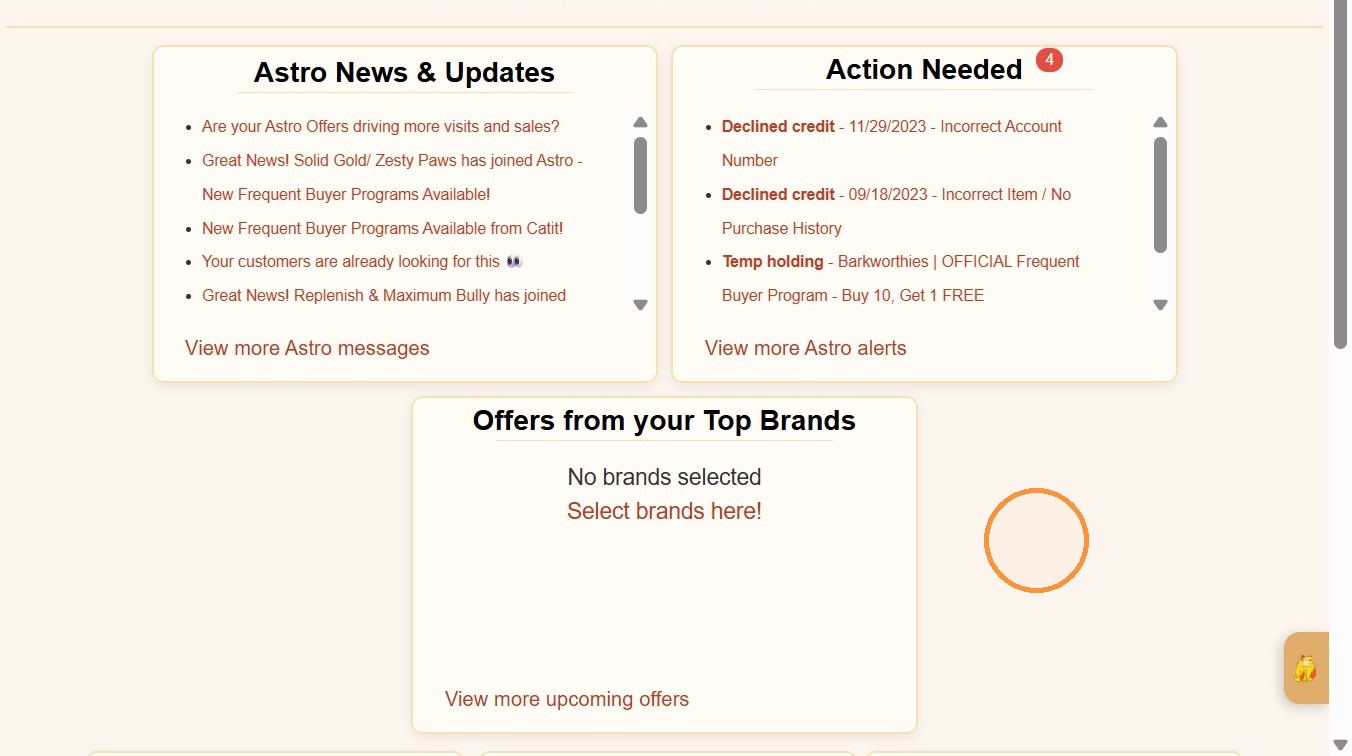
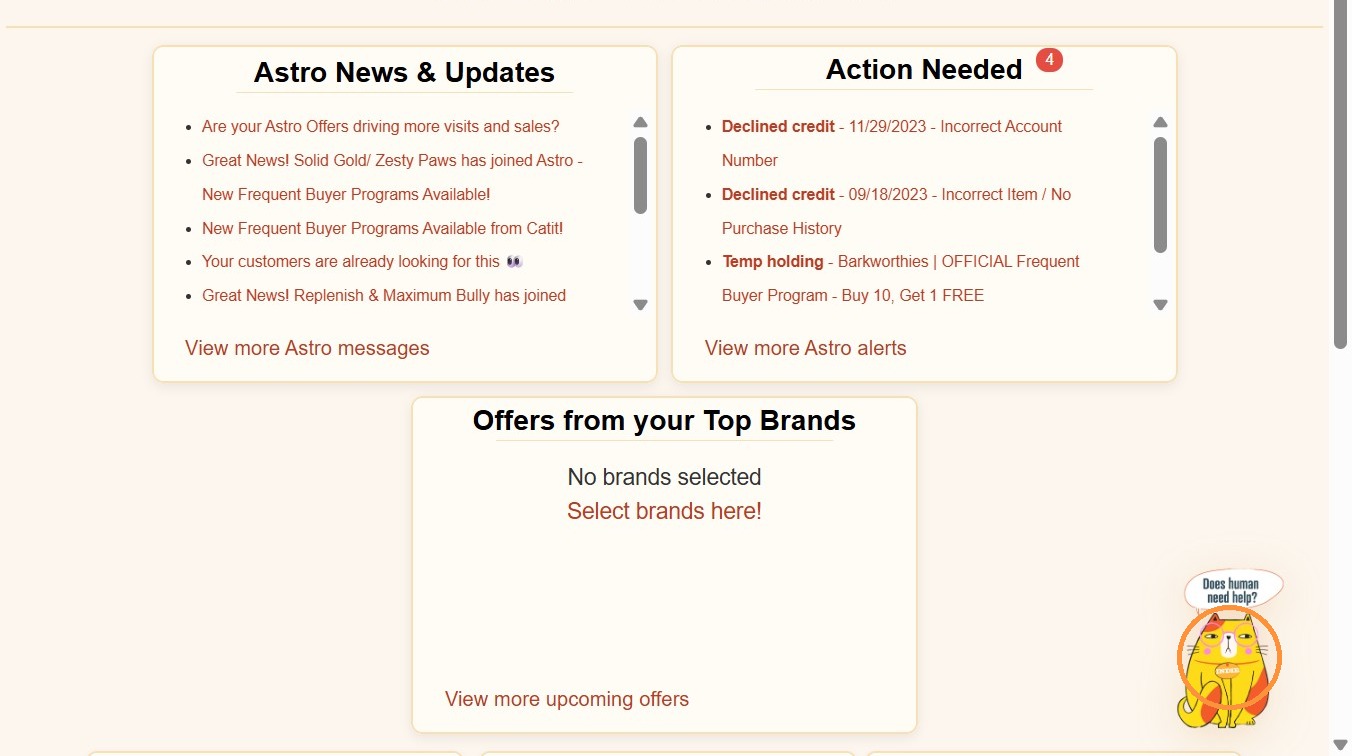
Click on the Cat Icon in the bottom right of the page to begin.

Type in your question into the chat and watch the Indie spring into action, ready to help with whatever you need! When you type a questions into Indie Chat, Indie instantly searches our entire Knowledge Base of support articles to find the most relevant answer.
Be as descriptive as possible so it can better help you!
Along with a written response, Indie will include links to the source articles used to generate the answer. We highly recommend clicking those links if you'd like to go deeper. Many of our articles include:
- Step-byStep instructions
- Screenshots
- Digital Walkthroughs
- Video Tutorials
Indie can summarize and guide - but the full articles often provide the complete visual experience.
If Indie's answer-or the linked articles- still don't fully resolve your question, you can click "Send to Astro Human" directly inside the chat. That will submit a ticket to our Support Team, and a member of our team will follow up with you by email and will you'll be able to provide any additional details if needed before submitting a ticket to our Support team.

Training a Cat Takes a Village
We’re actively training Indie, our Meow-It-All Chat — and we need your help.
Please give responses a 👍 or 👎 so we can keep improving how Indie answers questions.
👍 Helpful? Great — that tells us we’re on the right track.
👎 Missed the mark? That helps us refine Indie for next time.
After all… training a cat is challenging.
Training a digital shop cat? Even harder.
Thanks for being part of the process. With your help, we know we can get there.
Related Articles
Non-Astro Frequent Buyer Programs | Astro Retailers
What is a Non-Astro Frequent Buyer Program? These are programs that are built at the request of a retailer for a brand that does not have an Official published program on Astro. Astro in no way guarantees fulfillment of these programs, this is the ...
Astro Command Center Dashboard | Astro Retailers
Welcome to Your Astro Command Center The Astro Command Center is your store’s central hub for everything happening within your Astro account. Whether you interact with Astro directly or through your POS integration, the Command Center gives you a ...
Astro Loyalty Access Troubleshooting | Login Issue | Astro Retailers
If you are unable to get into Astro to record a customer's purchase for any reason, print the customer's receipt and set it off to the side so you can add their purchase to their Pet Owner account when you regain access to Astro! If you are ...
Activating Your Astro Account | Retailers
Astro Account Types & Add-ons Astro allows you to activate services a la cart so you can build the loyalty program that makes the most sense for your business. Here are your options and what they entail. Astro Offers-Only Account Membership Cost: ...
Contact Information | Astro Mobile App | Customer View
1. If you haven't already, download the Astro Loyalty Mobile app to access your Frequent Buyer information. Android: https://play.google.com/store/apps/details?id=astroloyalty.com.astro iOS: ...