Pet Adoption Participation | Retailer Reports Menu
Pet Adoption Participation Report
To access this report, go to Reports.
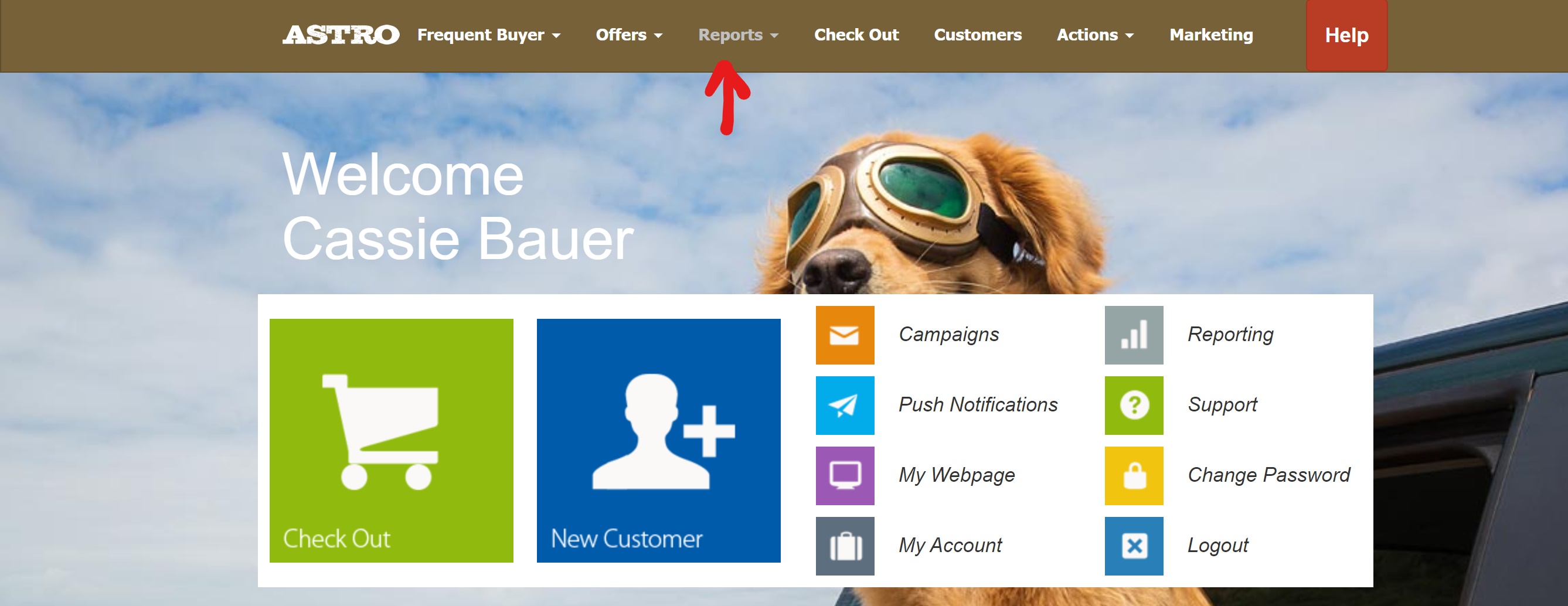
Then Select "Pet Adoption Participation"
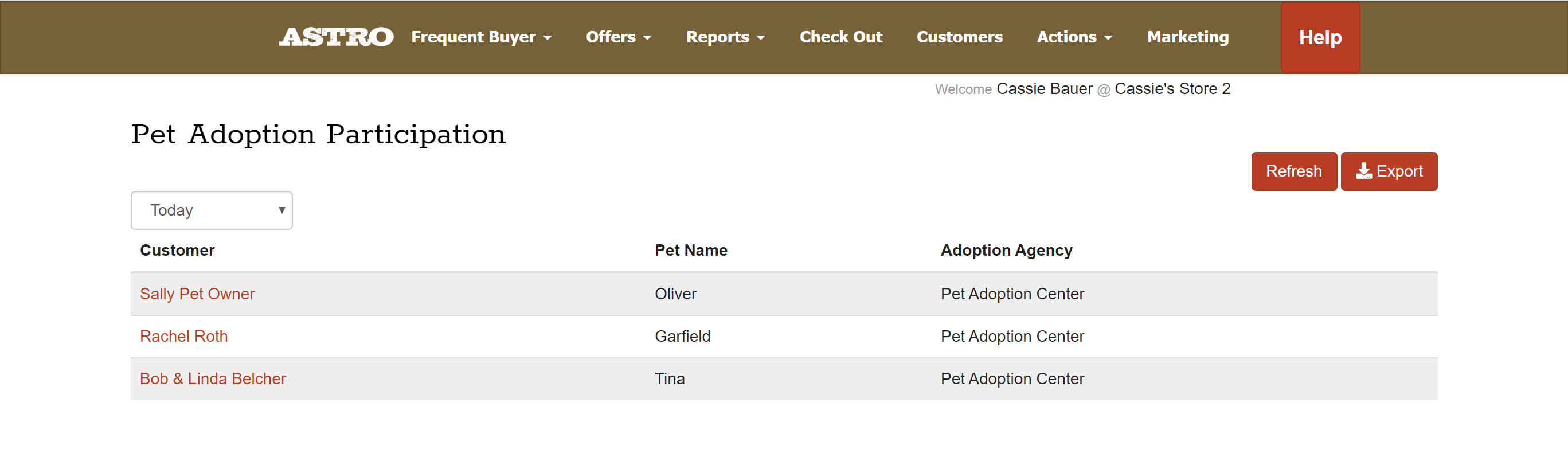
If you had any redemptions today, they will show on first page.
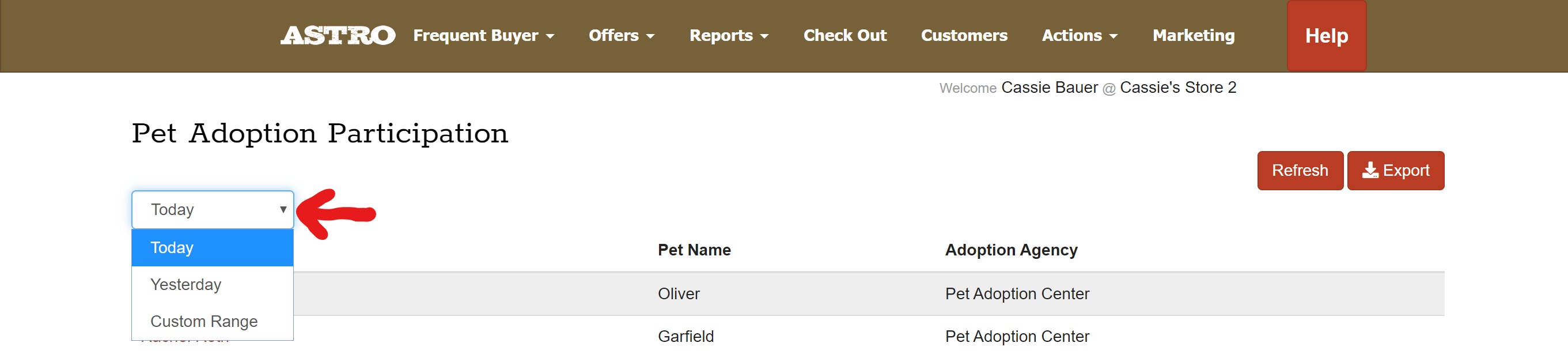
You can change the view filter using the drop down. You select Today, Yesterday, or Custom Range.
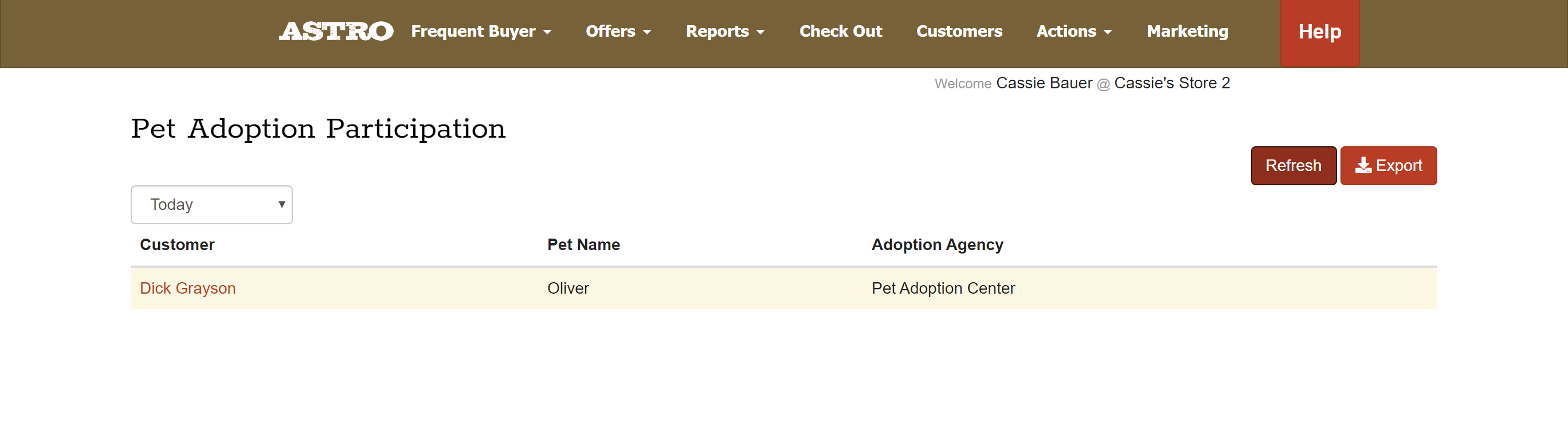
Any customers highlighted in yellow are customers that have NOT redeemed their bundle. You may need to change the view filter in order to see any previous customers that are not under "Today". Check out article: How to Redeem an Adoption Bundle | Sharing the Love Pet Adoption Programs.
An email is required to redeem the bundle, that may be one reason why the bundle was not redeemed during checkout. For more information: Why is there an Email Requirement for Pet Adoption Bundle Redemptions?
You will be able to export this list of customers for your records.
If you click on the customer's name, it will take you to the Pet Adoption Details.
This will show you the Customer's Name, Pet's Name, Manufacturer, Program Title, and the Pet type. You can also export this customer's adoption details.