External Manufacturer Online Coupon Redemption | Astro Retailers
External Manufacturer Online Coupon Redemption

These types of Coupons are issued by the manufacturer, but can be redeemed in Astro.

Tip: If you use a POS Integration, you will need to log into Astro to manually redeem this Coupon.
1. Log into your Astro account.
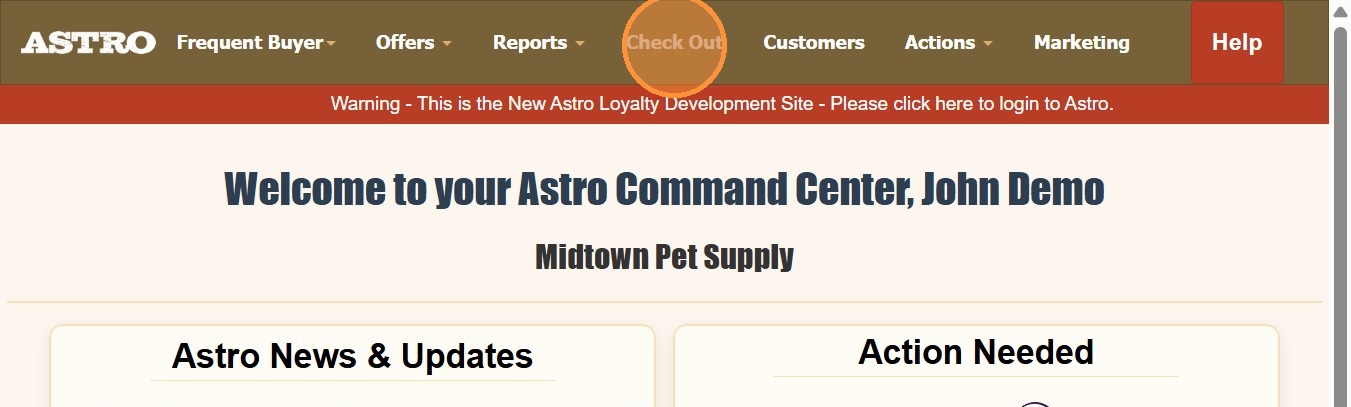
2. Click Check Out.
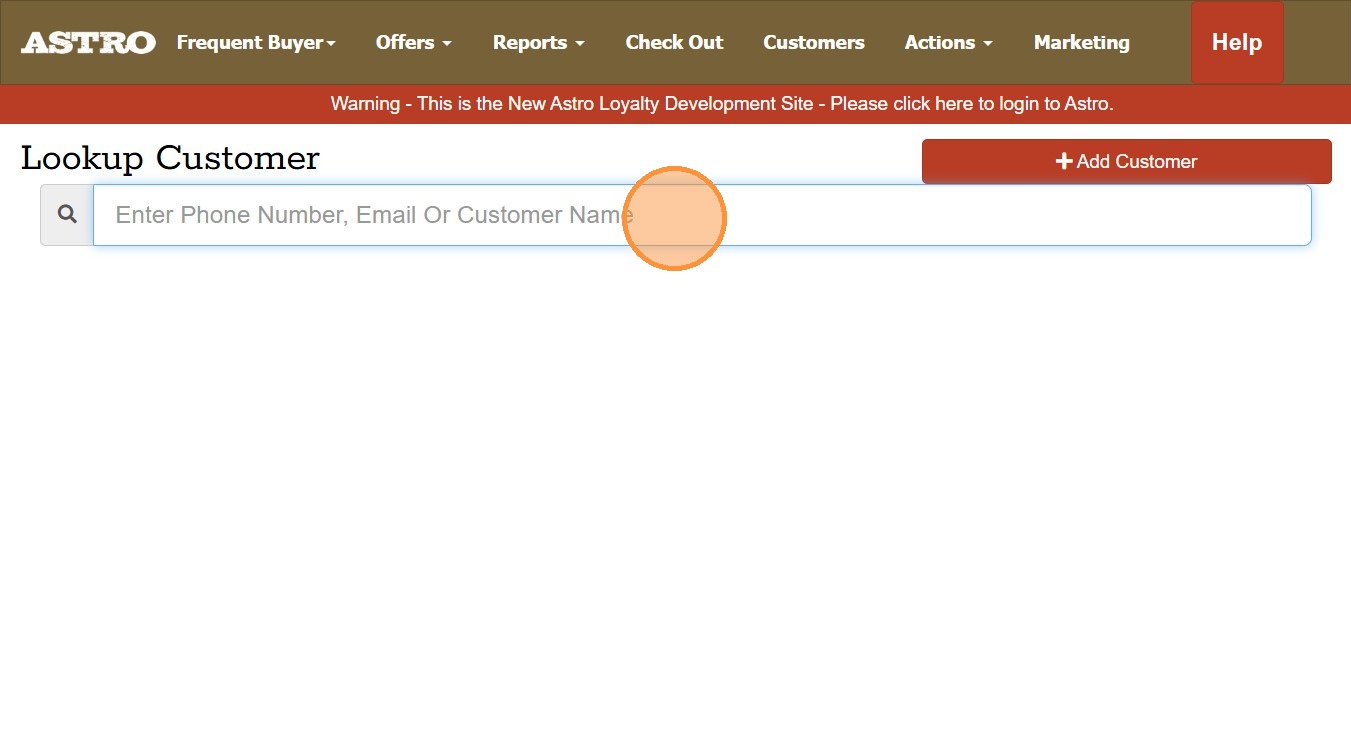
3. Search for the customer
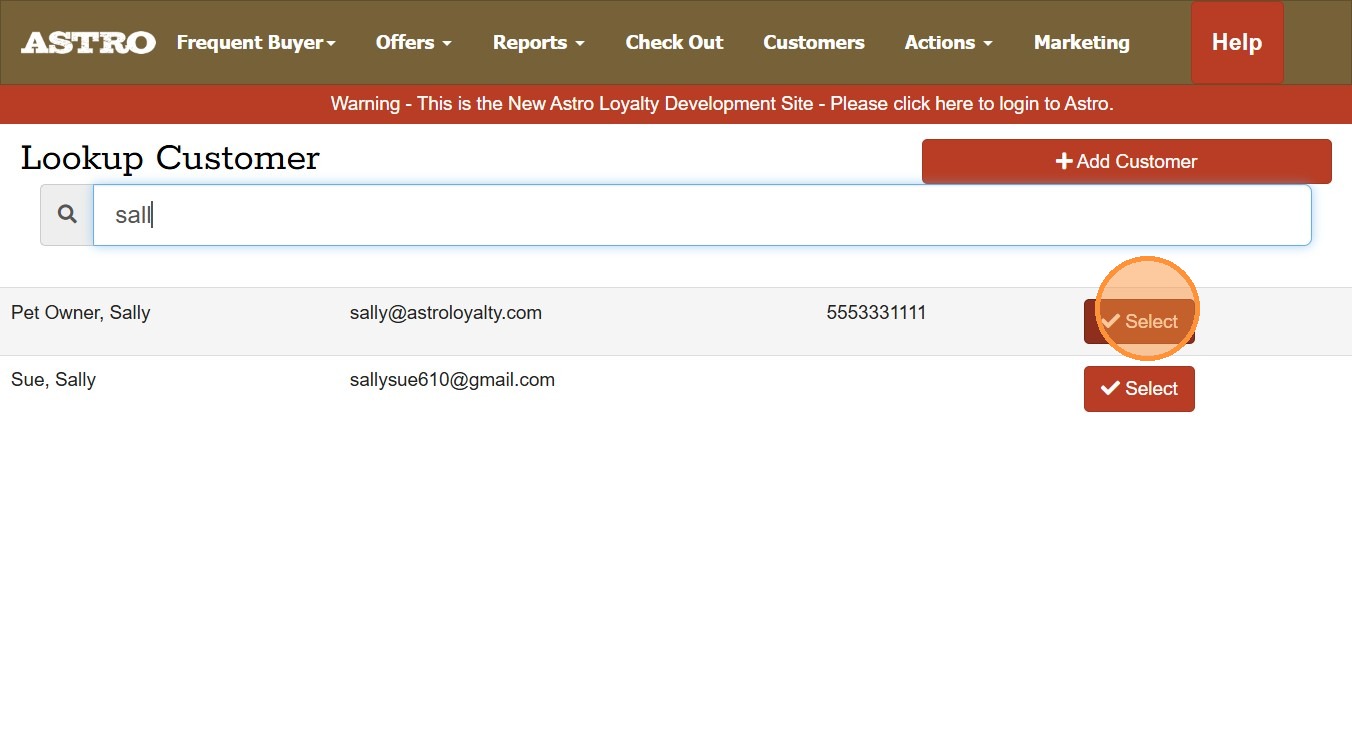
4. Click Select next to their Pet Owner account.
5. Scan or Enter manufacturer name in the grey field.
In this example we would just type in; farmina
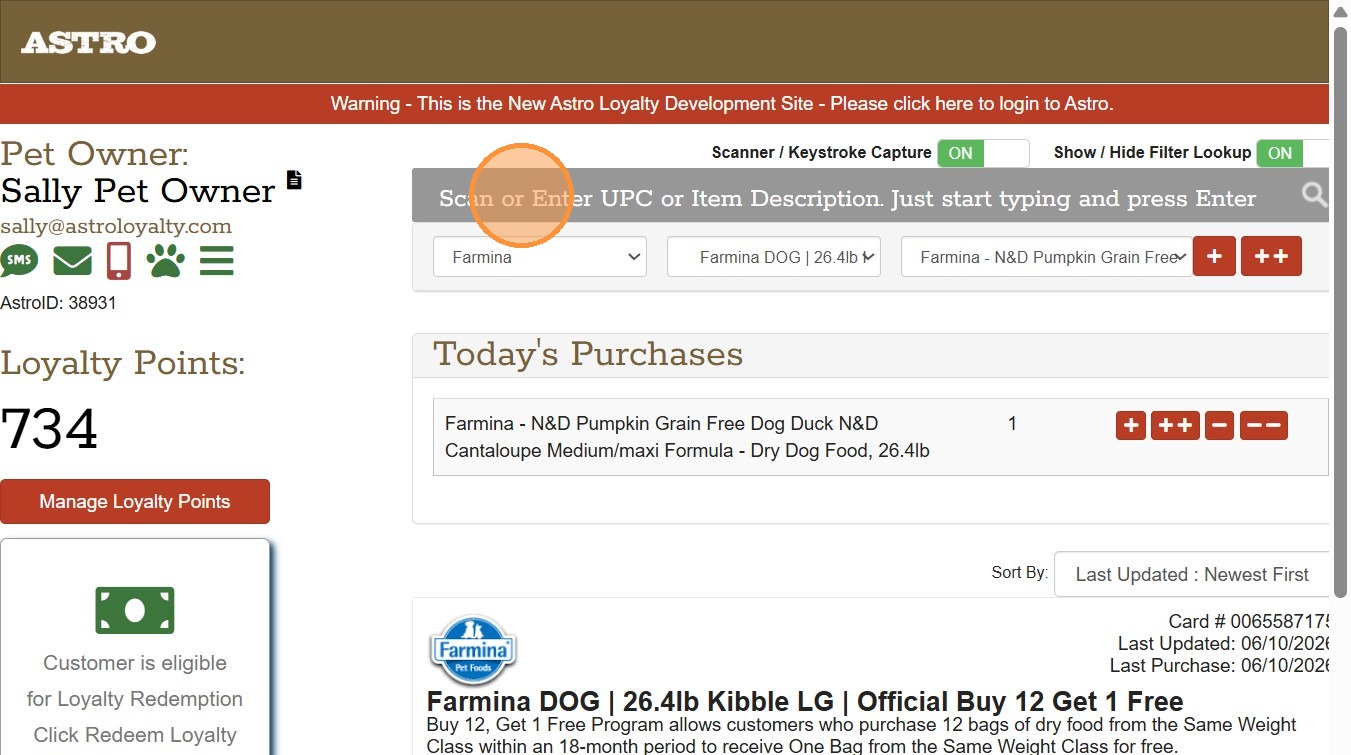
Or you can scan this barcode or print it out to trigger the Coupon form.

6. You will need to enter your Pin Code. This will be your store's phone number.
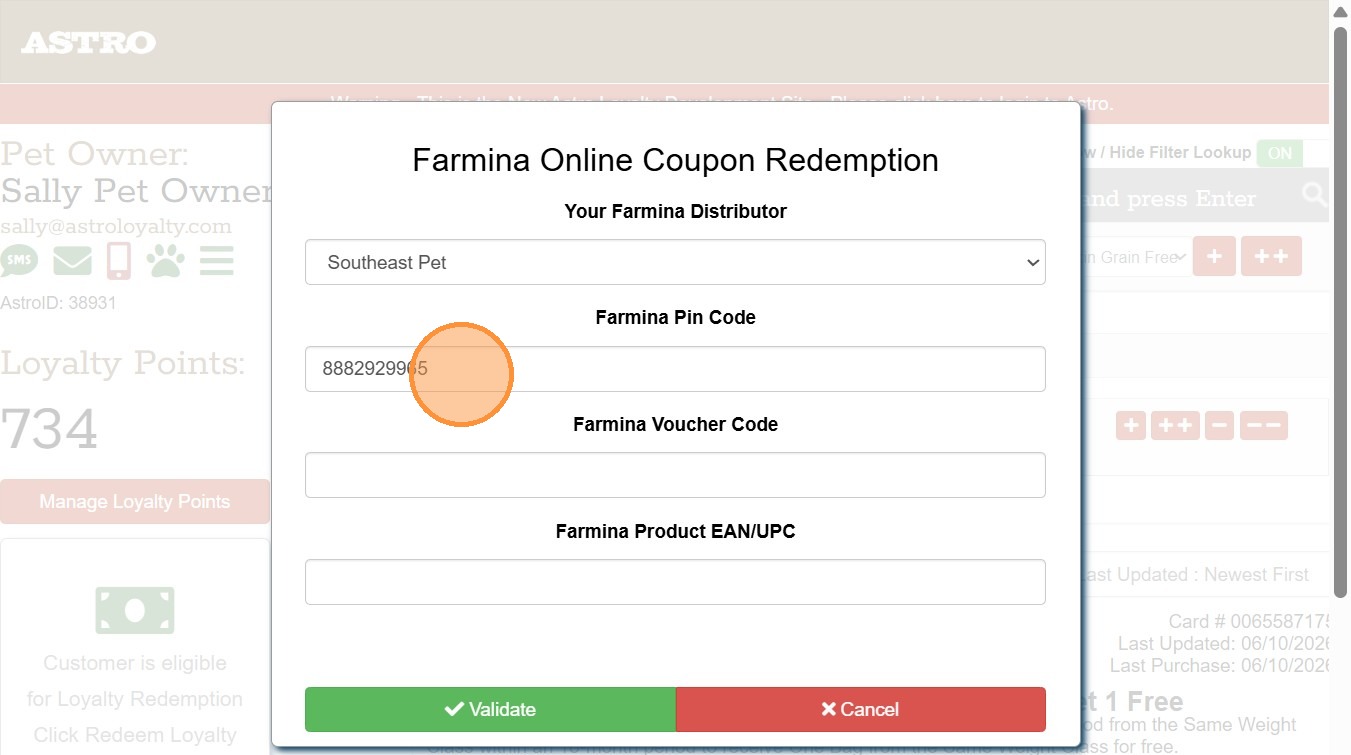
Tip: Once you enter the Pin Code the first time, you will not need to enter it in again.
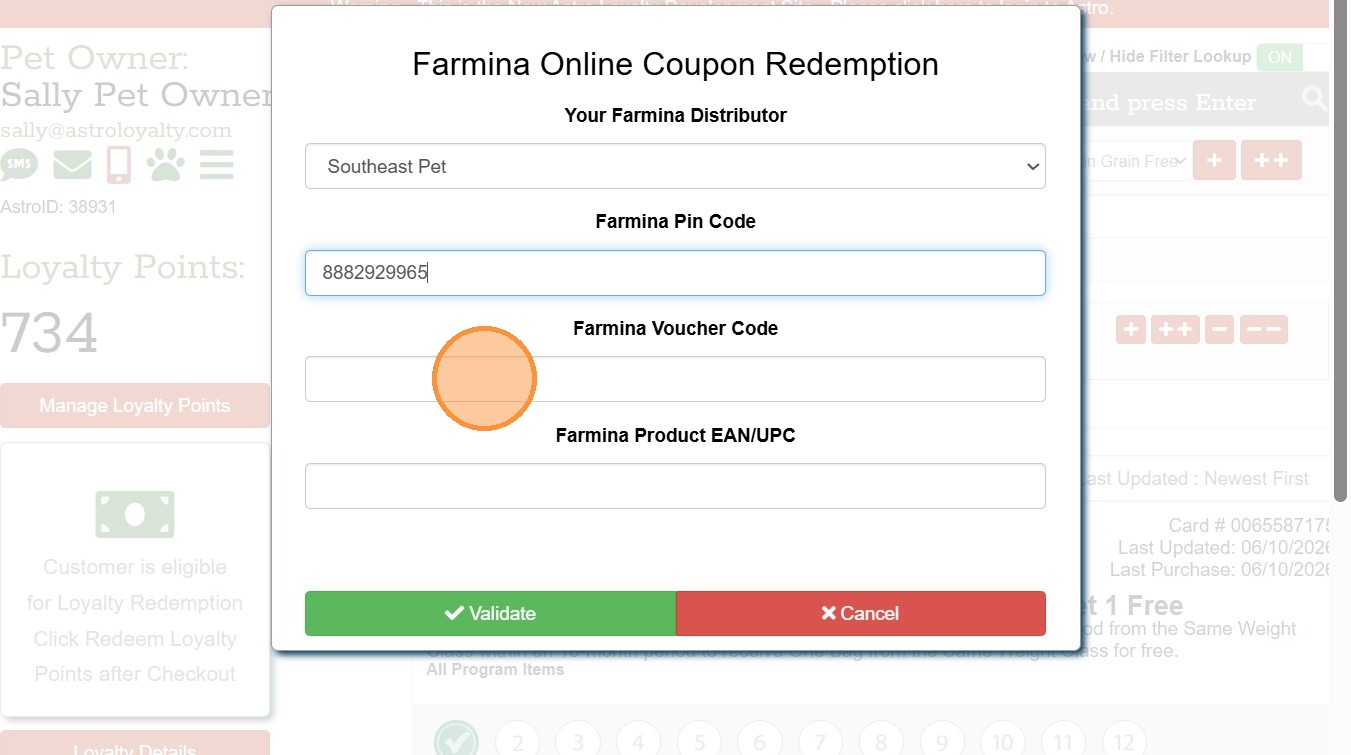
7. Scan or enter in Voucher Code from Coupon.
8. Scan or enter in the item's UPC code. Then click Validate.
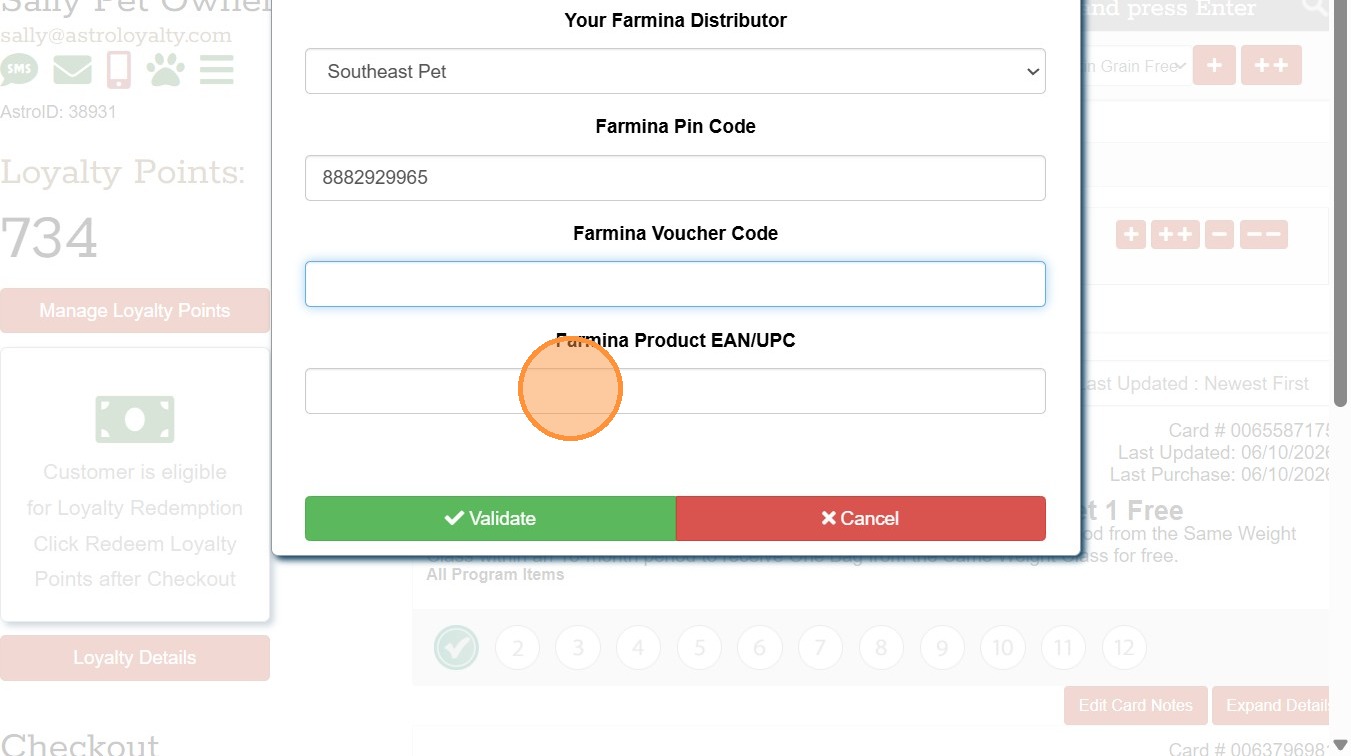
9. The form will confirm if the data entered is a valid coupon. If Valid, click Redeem.
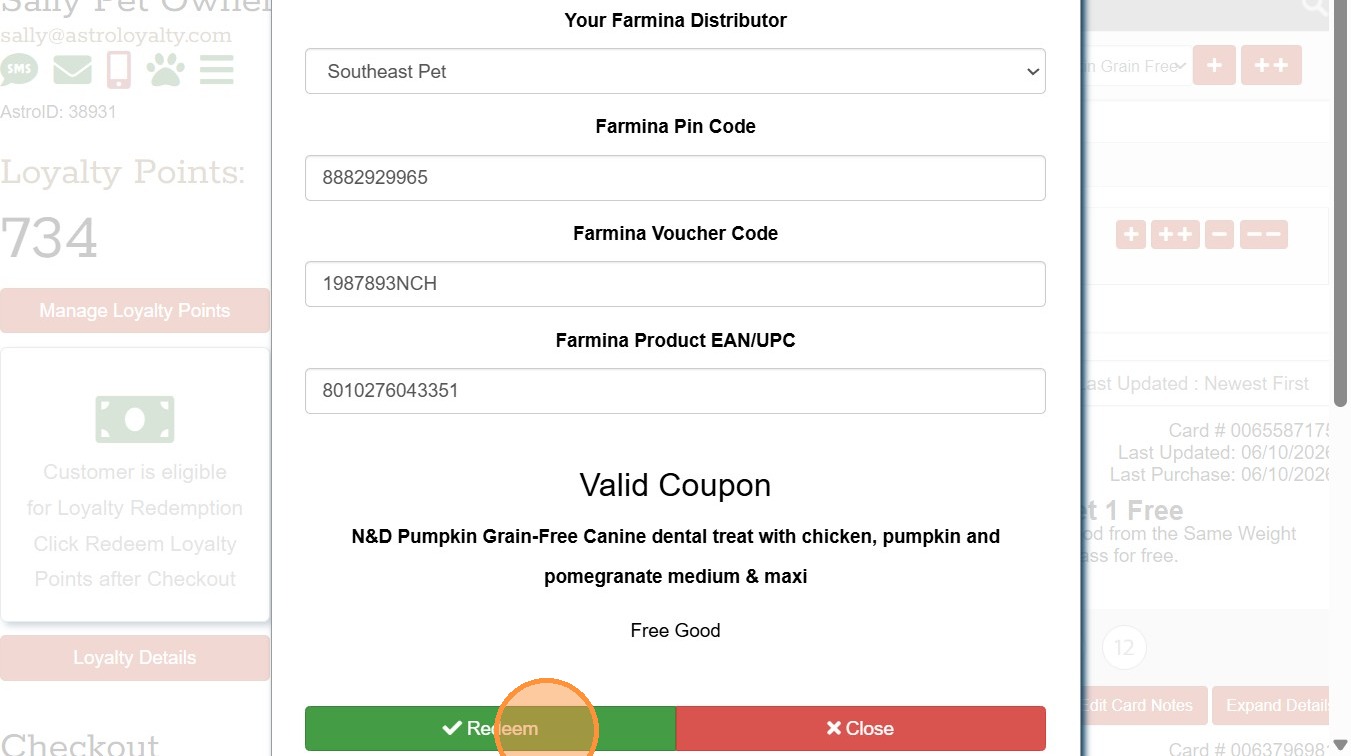
10. Click Checkout.
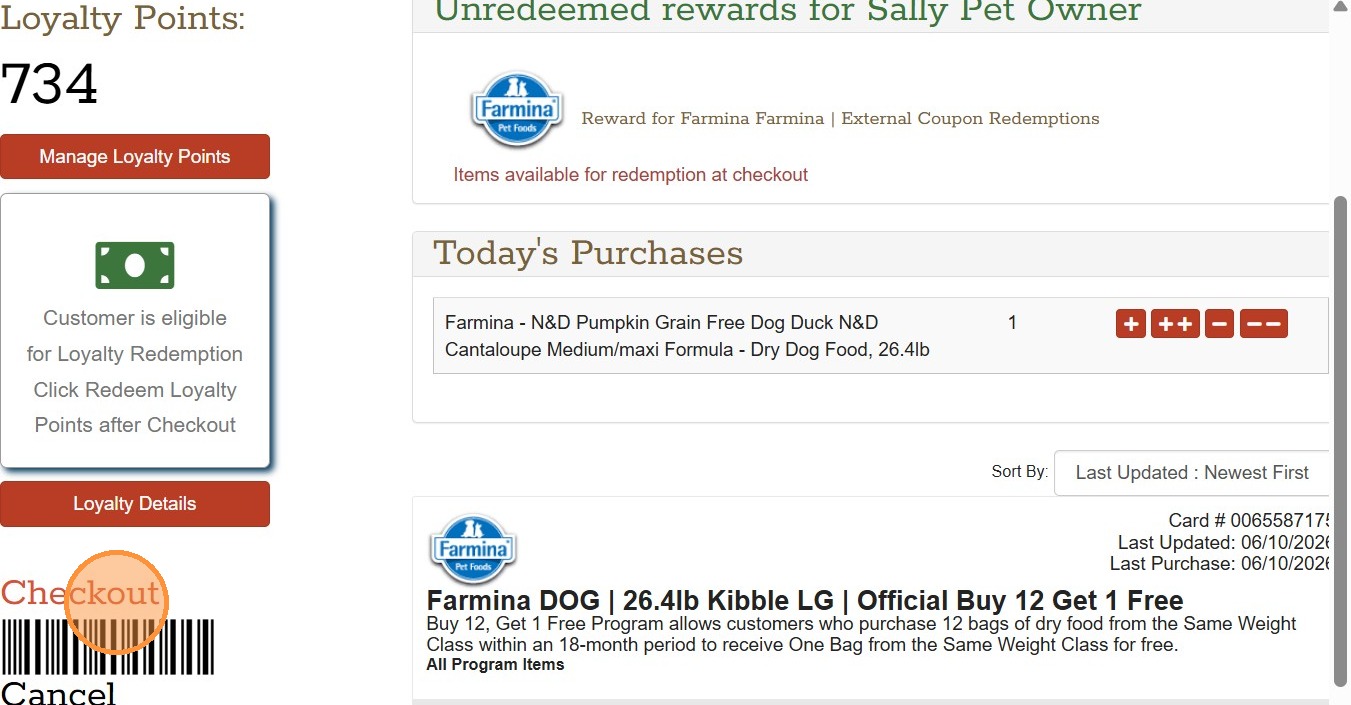
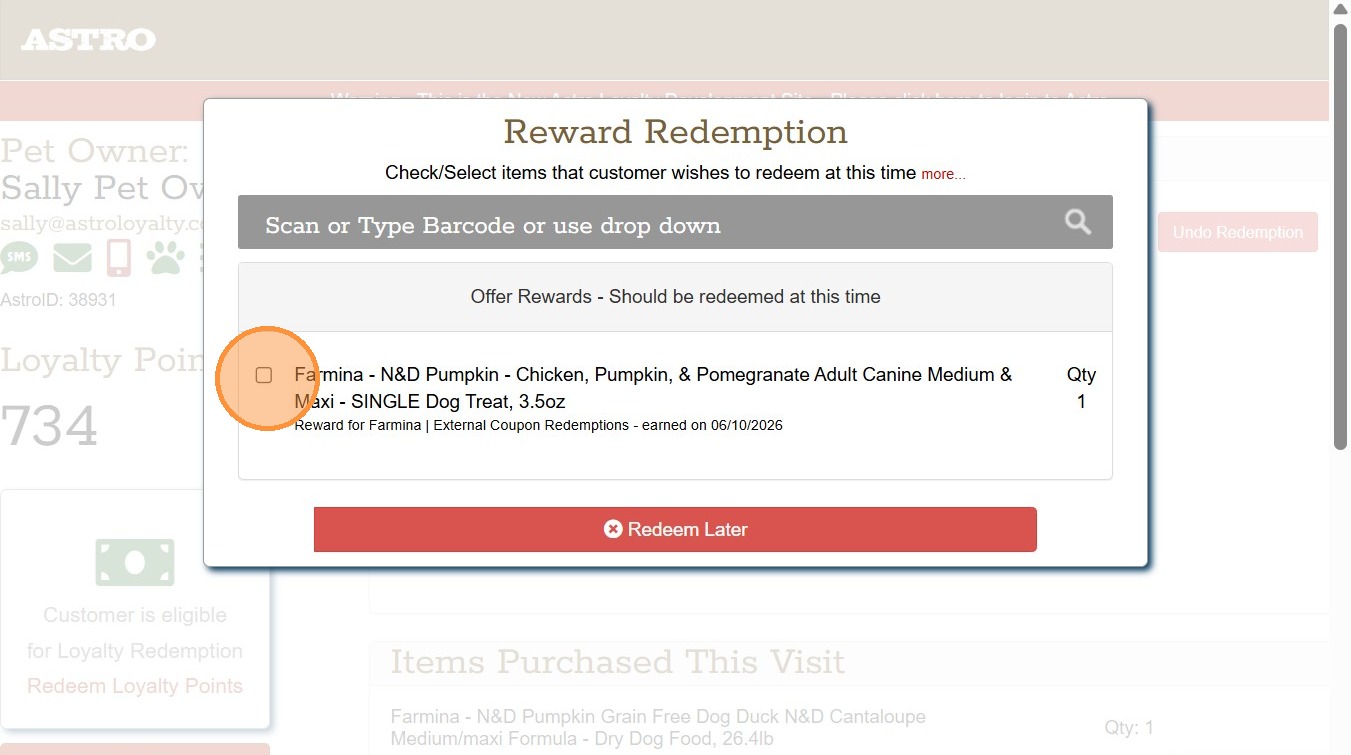
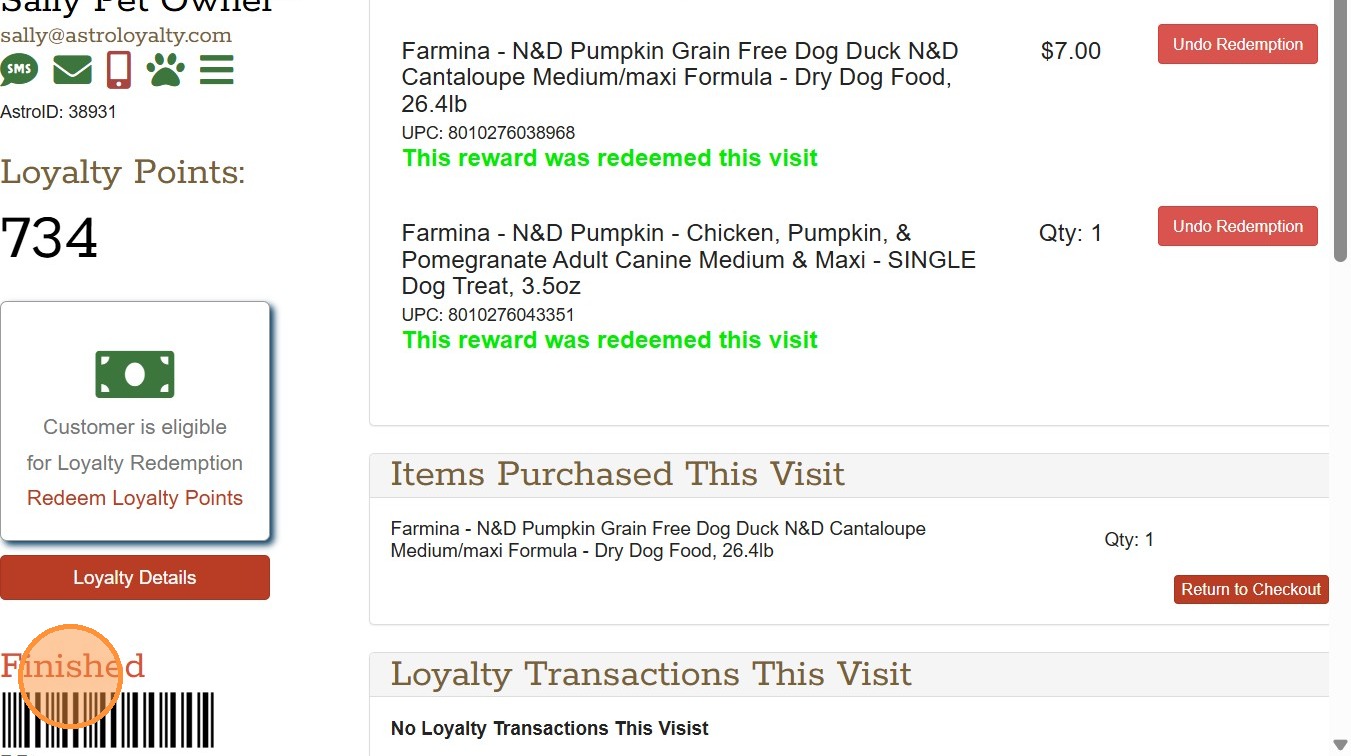
11. Click the checkbox next to the reward you are redeeming for the customer.
12. Click Redeemed Selected Items
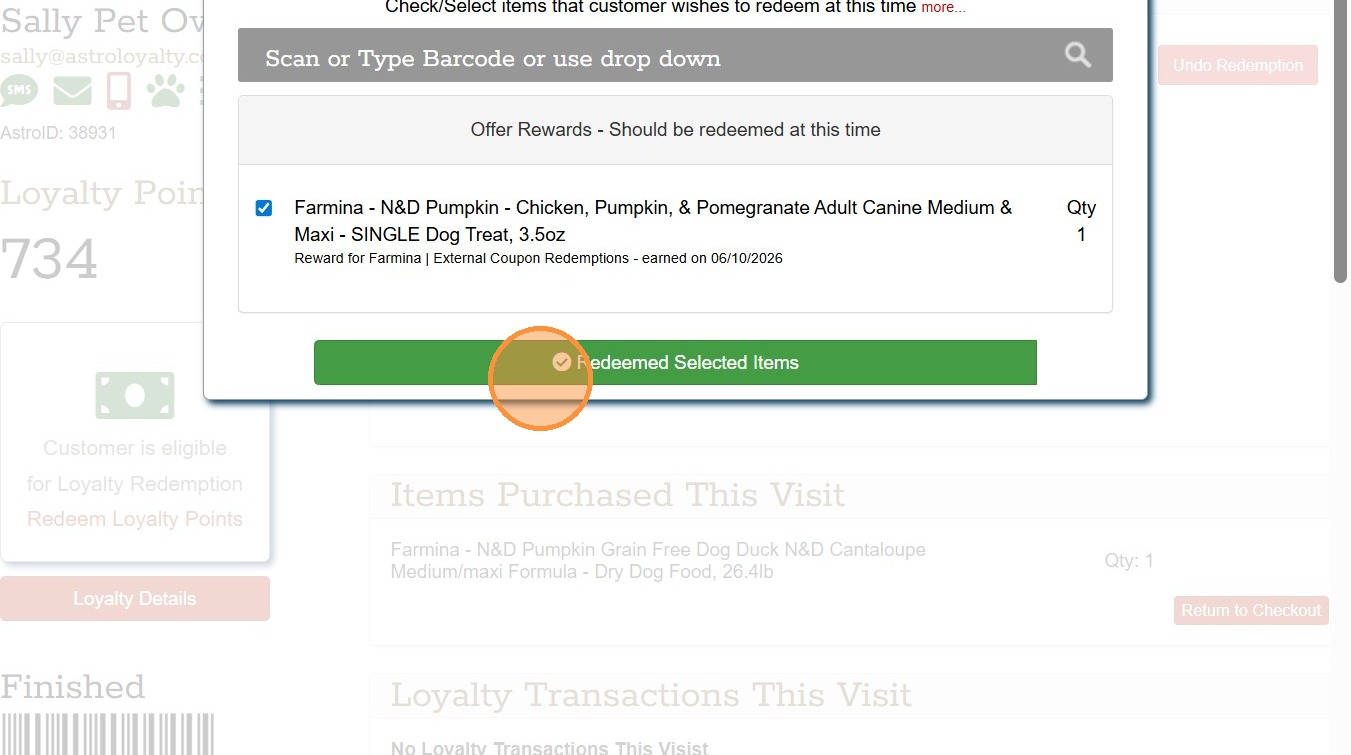
13. Click Finished.
FAQs
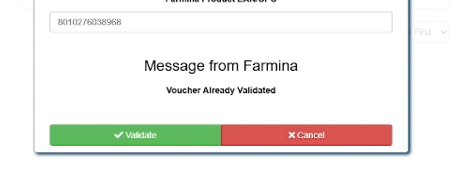
Coupon Already Redeemed
If the coupon has already been redeemed in Astro, you will get an error message stating that this customer has already redeemed the Coupon.
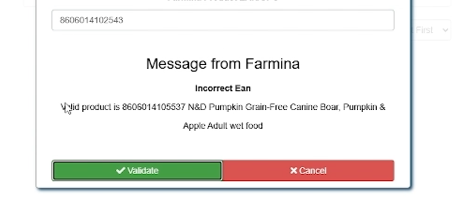
Incorrect UPC
If a UPC is entered that does not qualify, you will get an error message of an incorrect item. It will recommend an item that does qualify.