How to Add and Checkout Customers | Epicor EAGLE Partial Integration
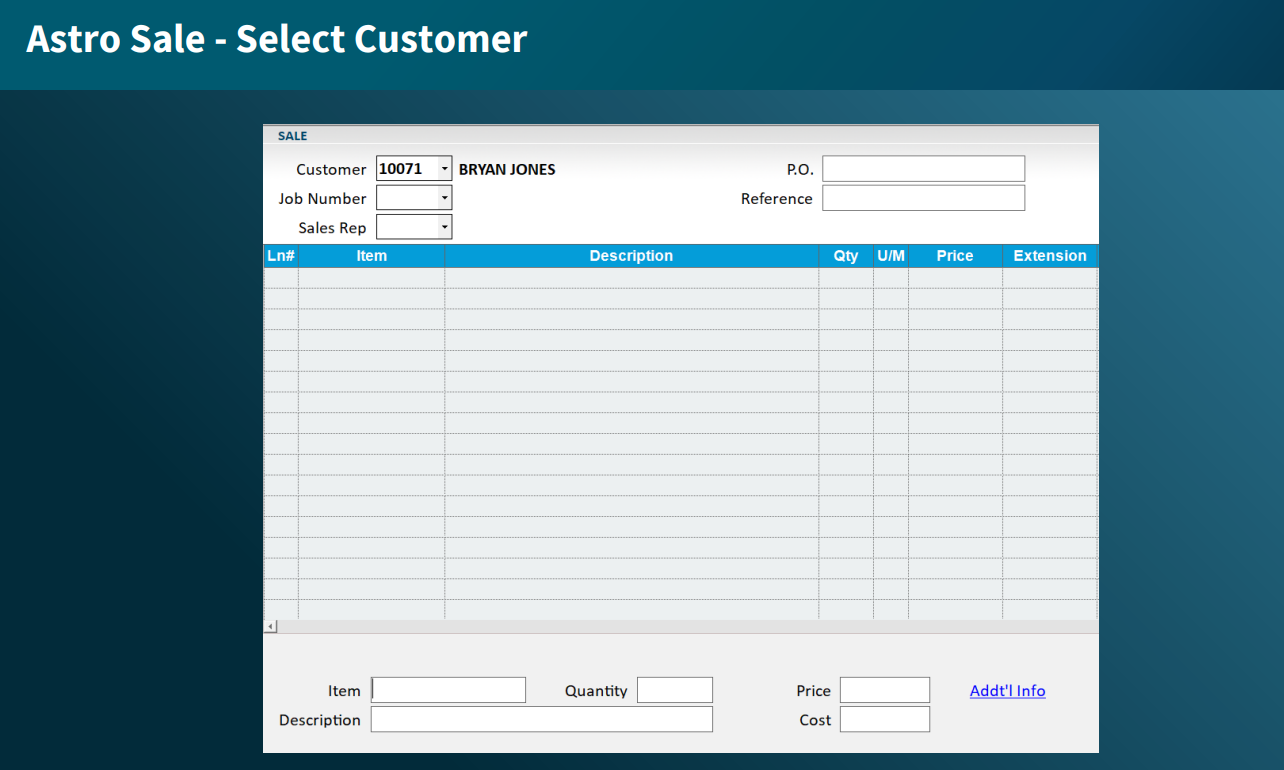
1. Add the customer to the Sale.
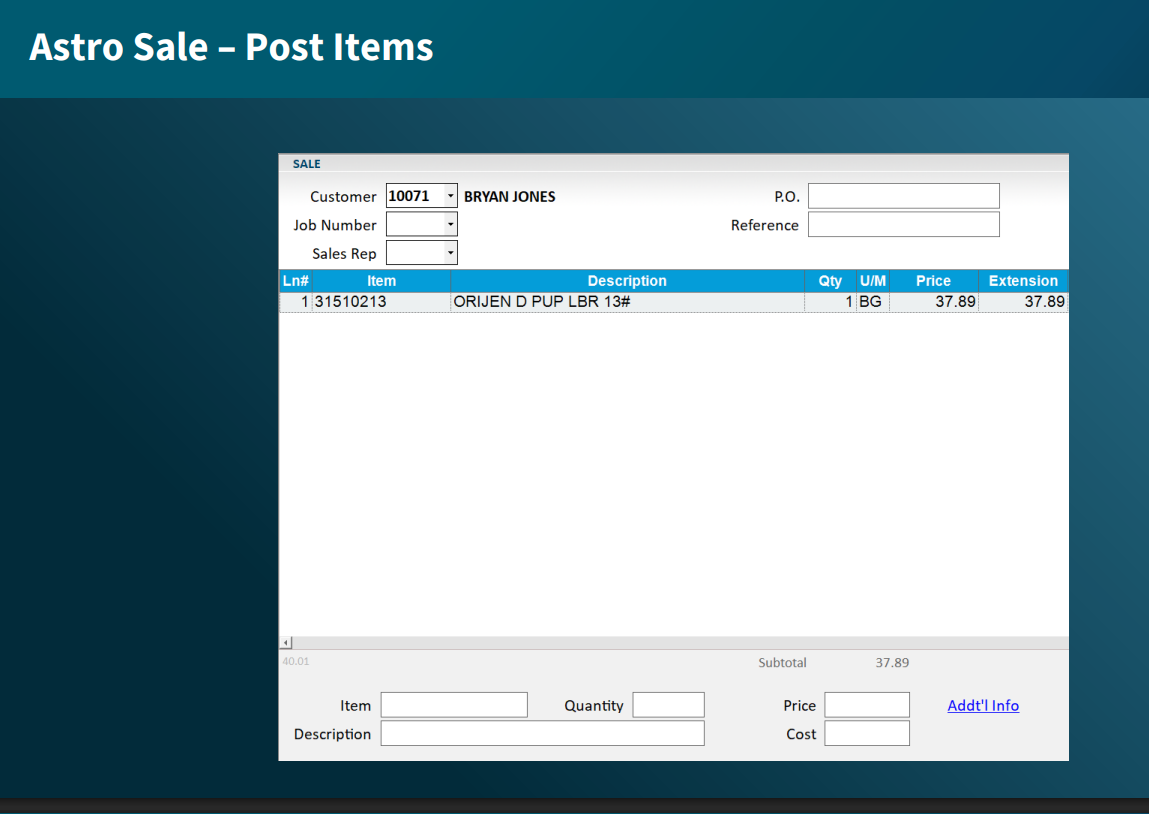
2. Add the purchase items to the Sale.
3. Open the Posting Menu by clicking the Misc button in the top ribbon of POS or the - button on the keyboard numpad.
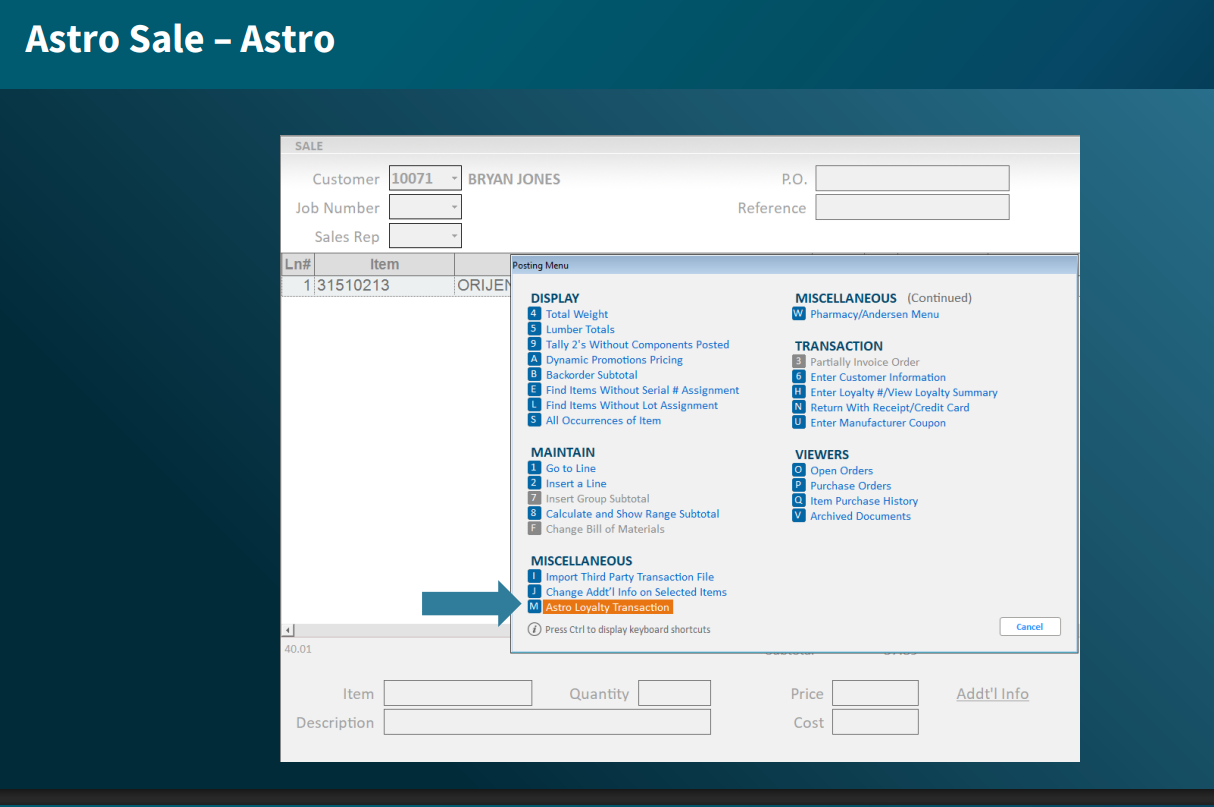
4. You will be directed to Astro Loyalty. You will need to link the customer to their Astro Pet Owner account.
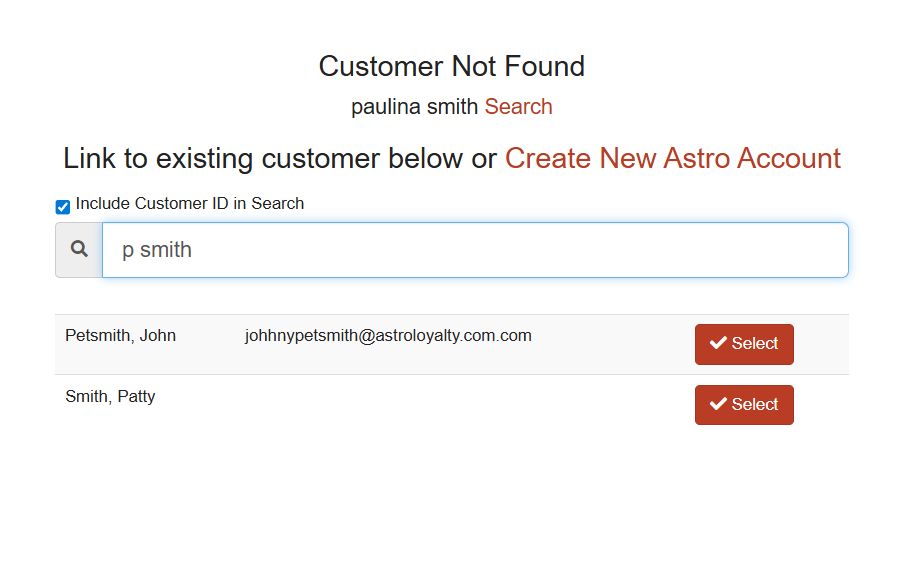
- If this is a new customer to Astro, click the Create New Astro Account link.
- If the customer already has an Astro Pet Owner account, the integration searches by last name. To link the customer, click the Select button next to the correct Pet Owner account.
5. Make sure everything looks correct under Today's Purchases, then click Checkout.
6. If everything looks correct, select Finished.
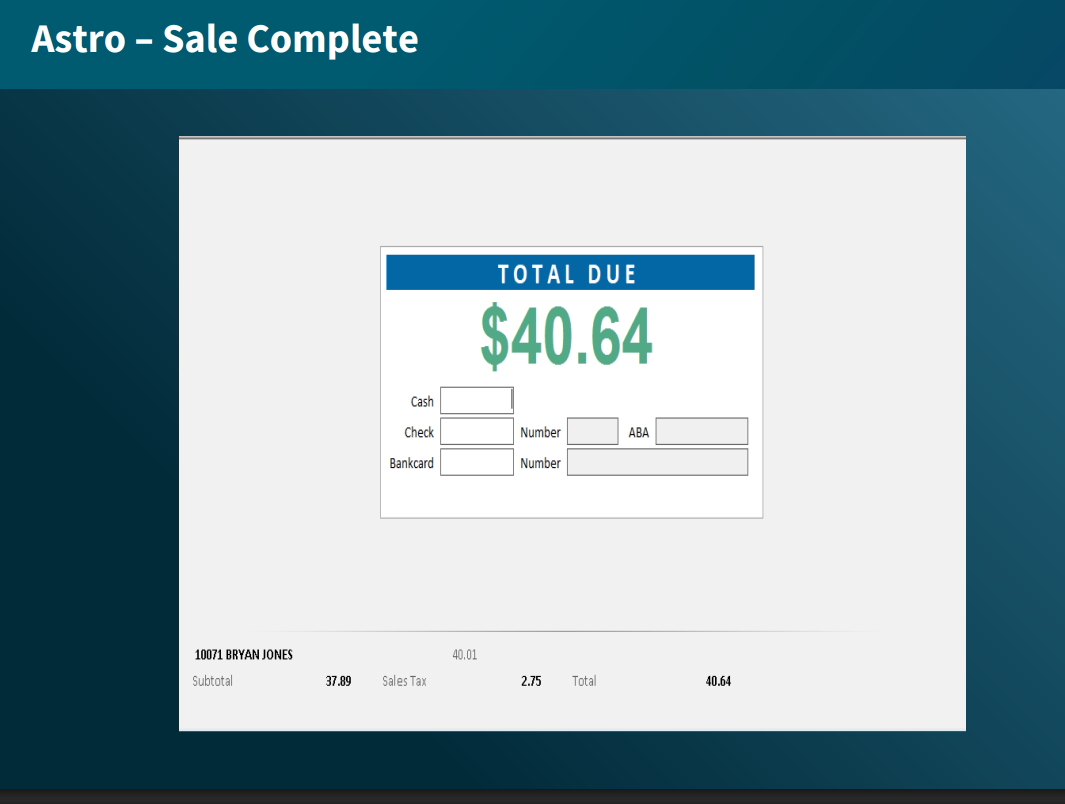
7. You will be directed back to Epicor to collect payment.